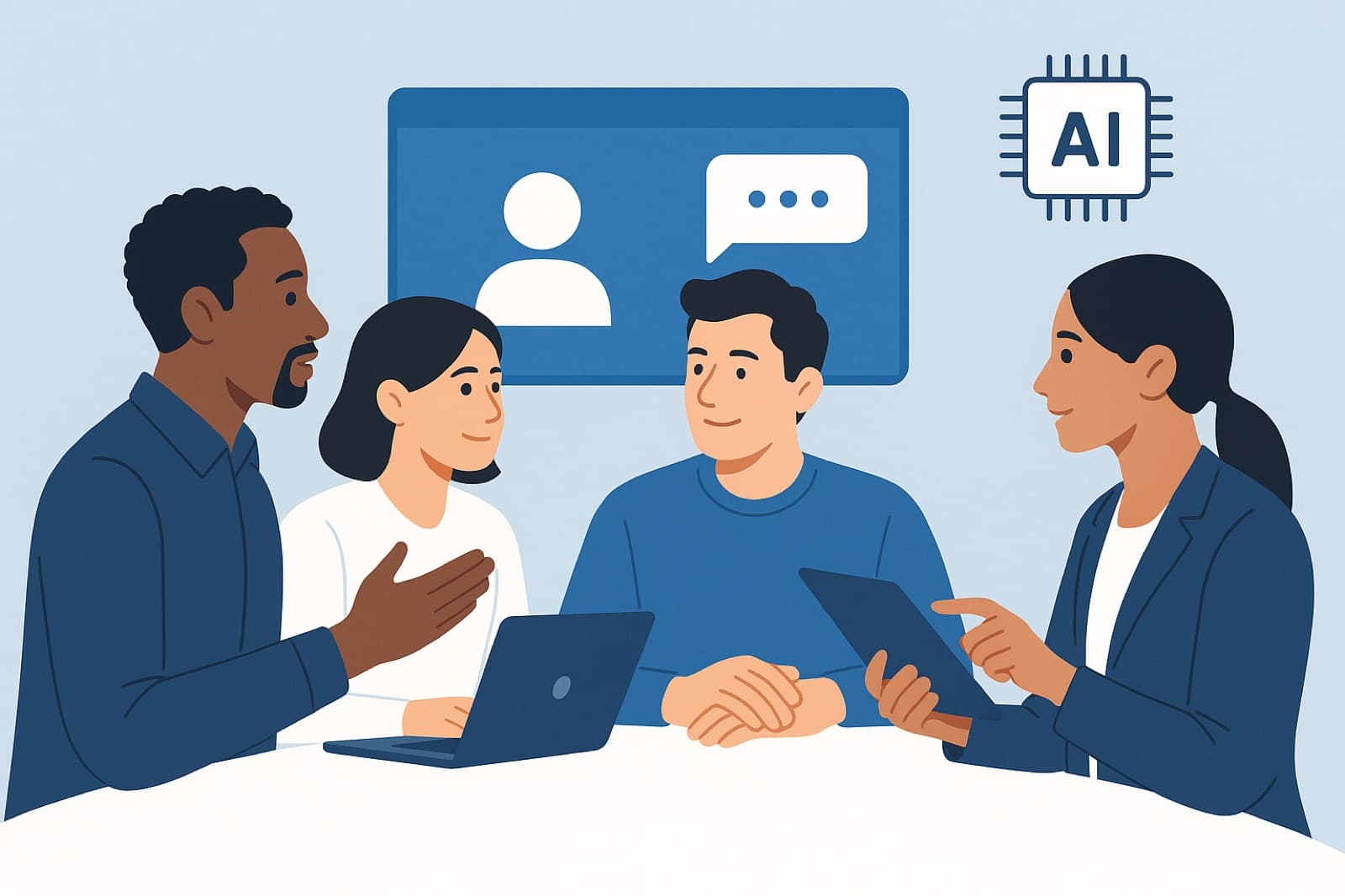
Enhancing Employee Collaboration with AI Tools: Practical Strategies for Teams and Leaders
Introduction: Why AI matters for workplace collaboration
Teams today juggle distributed schedules, fragmented knowledge, and overflowing communication channels. These challenges erode focus, create duplicated work, and reduce employee satisfaction. Enhancing Employee Collaboration with AI Tools isn't about replacing human judgment - it's about augmenting it: surfacing the right information, automating routine coordination, and helping people spend more time on creative, high-value work. This post shows practical applications, implementation guidance, real-world examples, and measurable ways to evaluate impact so business leaders and managers can pilot AI responsibly and effectively.
Overview: Categories of AI collaboration tools
AI collaboration tools fall into several categories that together reshape teamwork:
- Communication assistants - writing and summarization tools that reduce friction in messages and documents (e.g., Grammarly, Microsoft Editor, Slack GPT).
- Smart scheduling - AI that optimizes calendars and meeting times (e.g., Clockwise, Calendly enhancements, Microsoft Outlook Copilot scheduling).
- Knowledge management - semantic search, automated indexing, and AI agents that surface relevant documents (e.g., Notion AI, Confluence with AI, Guru).
- Project-management automation - AI that predicts blockers, suggests timelines, automates routine updates (e.g., Asana Work Graph, Jira automation, Monday.com AI).
- Virtual meeting enhancers - live transcription, action-item extraction, and meeting summarization (e.g., Otter.ai, Fireflies.ai, Zoom AI Companion).
Together, these tool categories support end-to-end collaboration: from the idea stage through planning, execution, and retrospection.
Practical applications and implementation guidance
Below are concrete use cases and rollout tips for each category to help you move from pilot to production.
Communication assistants
Use cases:
- Drafting clear client emails and reducing back-and-forth by using tone and clarity suggestions.
- Auto-generating meeting summaries and follow-up messages to drive accountability.
Pilot and rollout tips:
- Start with a small team (e.g., customer success) and enable a single assistant like Grammarly or Slack GPT in a shared channel.
- Set guidelines for when to accept AI edits vs. require manual review (privacy and brand voice).
- Measure adoption by tracking reduced edit cycles and time-to-response.
Smart scheduling
Use cases:
- Automatically find times that respect focus blocks and time zones to reduce coordination time.
- improve meeting lengths and cadence using historical meeting data.
Pilot and rollout tips:
- Enable a scheduling assistant (Clockwise, Outlook Copilot features) for a team and compare time reclaimed in calendars before and after.
- Establish meeting rules (e.g., default 25-minute meetings) and let the AI enforce them.
- Communicate changes clearly-explain how the AI chooses times and allows manual overrides.
Knowledge management
Use cases:
- Semantic search across documents to reduce duplicated work and onboarding time.
- Auto-generated playbooks and FAQs for common issues assembled from internal docs.
Pilot and rollout tips:
- Index a single repository (team wiki or shared drive) and validate search results with power users.
- Curate and tag high-quality sources to reduce hallucination risks; set up feedback loops for corrections.
- Train staff to cite sources returned by the AI to maintain traceability.
Project-management automation
Use cases:
- Auto-create tasks from meeting notes and assign owners based on workload and skill tags.
- Predict risks and timeline slippage using historical project data.
Pilot and rollout tips:
- Integrate the AI into an existing PM tool (Asana, Jira, Monday.com) for one project stream.
- Define which automated actions are allowed (e.g., draft tasks vs. auto-assignment) and implement staged permissions.
- Monitor false positives and tune thresholds before scaling.
Virtual meeting enhancers
Use cases:
- Real-time captions and searchable transcripts to make meetings accessible and actionable.
- Automatic extraction of action items and owners to reduce follow-up lag.
Pilot and rollout tips:
- Enable transcription for recurring team meetings and collect feedback on accuracy and usefulness.
- Pair transcription with an automated task-creation flow (e.g., create tasks in Asana from action items).
- Address privacy by setting policies for recording consent and retention periods.
Action item: Choose one category and run a 6-8 week pilot focused on measurable outcomes (time saved, task closure speed, NPS or satisfaction).
Real-world examples and mini case studies
These short examples show how diverse organizations apply AI to overcome collaboration problems.
1. Mid-size marketing agency - faster proposals and fewer review cycles
Toolset: Notion AI + Grammarly + Asana automation.
Problem: Proposal drafts required repeated edits and long review chains across client teams.
Approach: Implemented Notion AI templates for proposals, used Grammarly for brand tone enforcement, and integrated meeting notes with Asana to spawn review tasks.
Outcomes: Within 3 months the agency reported a 25-35% reduction in time-to-finalize proposals and a 20% decrease in review cycles; employee satisfaction for proposal teams rose on internal surveys.
2. Global consultancy - improving meeting ROI
Toolset: Zoom AI Companion + Otter.ai + Jira automation.
Problem: Clients and internal teams struggled to capture decisions and follow-up actions from advisory sessions.
Approach: Rolled out live transcription and AI-generated summaries, which were automatically converted into Jira epics and tasks with owners suggested by the AI.
Outcomes: Follow-up completion rates improved by 30% and client satisfaction scores increased; consultants reclaimed an estimated 2 hours per week in admin time.
3. Software company - reducing context switching for engineers
Toolset: Slack GPT, Confluence with AI search, and Jira predictive analytics.
Problem: Engineers lost time switching between chat, docs, and tickets to find context.
Approach: Deployed an enterprise AI assistant in Slack to answer document queries, suggested related Confluence pages in pull-request workflows, and surfaced likely ticket dependencies in Jira.
Outcomes: Median time to resolve issues fell by 18-25% and developer happiness scores improved; fewer interrupt-driven meetings were required.
4. Retail operations team - smarter scheduling for frontline staff
Toolset: Clockwise-style calendar optimization and internal shift management AI.
Problem: Coordinating training and cross-store meetings across time zones caused low attendance and overtime.
Approach: Adopted smart scheduling to protect blocks for training and optimized meeting times to maximize attendance without increasing overtime.
Outcomes: Training attendance rose by 40% and average overtime hours decreased by 12% in the quarter following rollout.
Benefits, metrics and ROI
When evaluating initiatives for Enhancing Employee Collaboration with AI Tools, focus on measurable KPIs and realistic trade-offs.
Key KPIs to track
- Time saved on routine tasks (hours/week per employee).
- Task cycle time (time from task creation to completion).
- Meeting efficiency metrics: average meeting length, percentage of meetings with clear action items.
- Knowledge access metrics: search success rate, reduction in duplicate documents.
- Employee satisfaction and Net Promoter Score (NPS) or internal eNPS changes.
How to estimate ROI
- Quantify time saved and apply loaded labor rates to estimate cost savings.
- Measure qualitative benefits (satisfaction, reduced burnout) and map to retention improvements.
- Include implementation and licensing costs, plus change-management investment in training.
Typical benefits reported across pilots include 15-30% time savings on routine tasks, 20-40% faster decision cycles, and measurable improvements in employee satisfaction. Trade-offs often include initial tuning time, the need for governance to prevent data leakage, and occasional inaccuracies that require human review.
The future of teamwork and recommended next steps
Trends shaping the next wave of collaboration include stronger multimodal agents in meetings, deeper integrations across tools, and role-based AI assistants that understand team norms. At the same time, organizations must address privacy, bias, and governance to maintain trust.
Ethical and privacy considerations
- Define data retention policies and obtain consent for meeting recording and transcription.
- Audit AI outputs regularly for bias or factual errors, especially in HR and performance contexts.
- Limit AI access to sensitive systems and use role-based controls.
Governance checklist and recommended next steps
- Identify one measurable collaboration pain point and a relevant tool category to pilot.
- Set clear KPIs and a 6-8 week pilot timeline with power users and a feedback loop.
- Define data access rules, retention limits, and review cadence for AI output quality.
- Train teams on when to trust AI and when to escalate to human decision-makers.
- Scale iteratively and tie licensing decisions to measured ROI and adoption.
Practical takeaway: Start small, measure precisely, and govern deliberately to capture the productivity and satisfaction gains of AI-enhanced collaboration.
Conclusion
Enhancing Employee Collaboration with AI Tools is a pragmatic, measurable way to reduce friction, free up time for higher-value work, and improve employee experience. Begin with a focused pilot, track clear KPIs (time saved, task cycle time, satisfaction), and adopt governance practices that protect privacy and maintain trust. Consider trying a single pilot-enable an AI meeting summarizer or a knowledge-search agent-and measure the impact over 6-8 weeks to learn fast and scale what works.