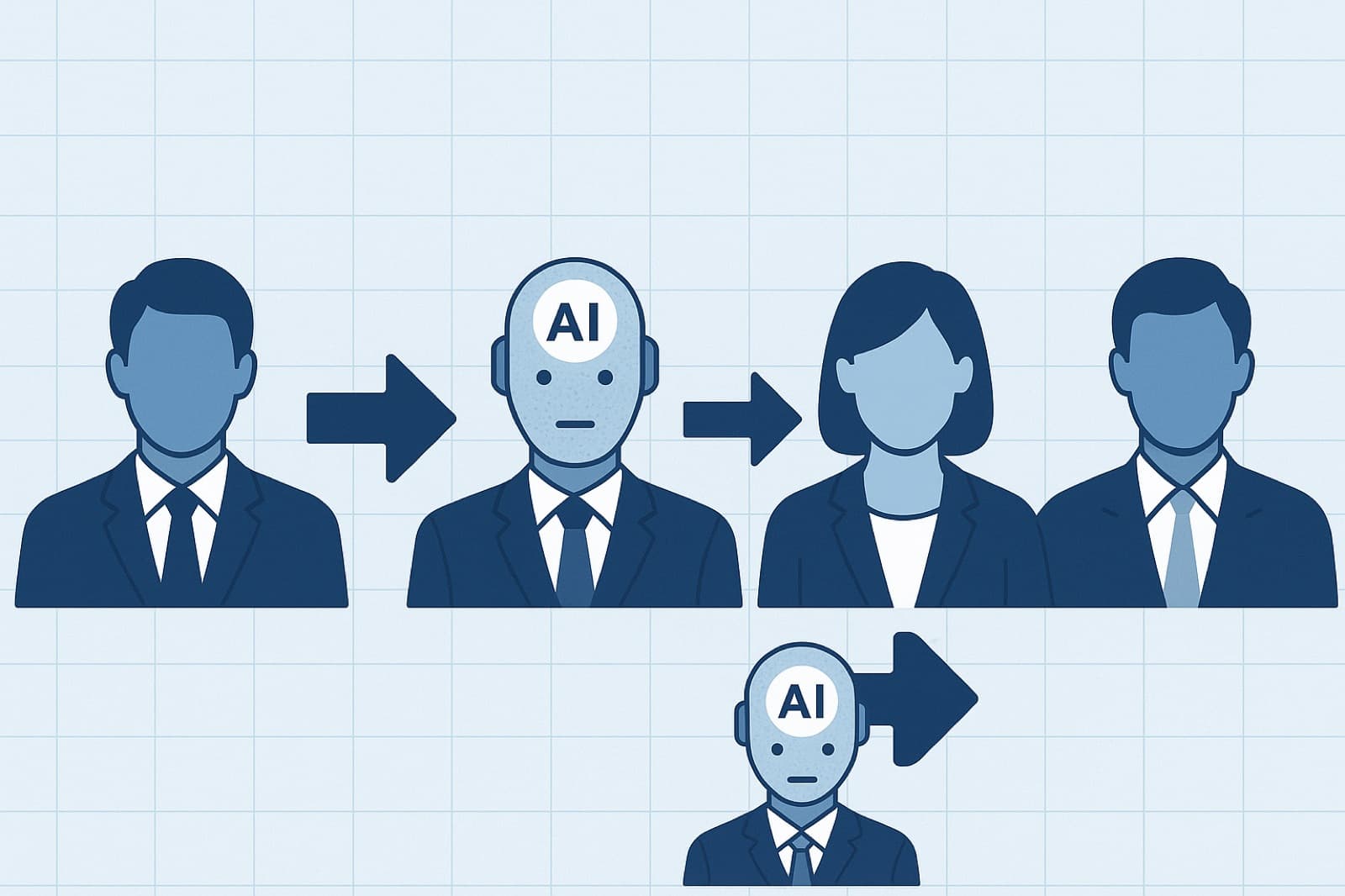
Step-by-Step Artificial Intelligence Agents as Employees for Startups in 2026
Practical, founder-focused guidance on turning autonomous AI agents into reliable team members. This guide covers the latest Google breakthroughs in 2026, a step-by-step implementation roadmap, hands-on integration items, sample workflows, KPIs, and pragmatic next steps tailored to early-stage startups and technical leaders.
Introduction: Why treat AI agents as employees in 2026
Startups that view AI as a tool often miss the productivity gains unlocked when AI behaves like an employee: taking ownership of repeatable tasks, collaborating across systems, and operating under accountability. This guide shows a practical, step-by-step artificial intelligence agents as employees for startups approach so founders, CTOs, and product leads can design, deploy, and measure agent-driven workflows reliably in 2026.
Expect more autonomy, lower operational cost per task, and faster iteration cycles-provided you implement with role clarity, guardrails, and solid monitoring. Below, you’ll find what’s new from Google this year, a concrete implementation sequence, an actionable tutorial checklist, real-world vignettes, and a pragmatic next-steps checklist.
What’s new from Google (2026) - breakthroughs reshaping startups
Google’s 2026 push accelerated production-ready agents and lowered integration friction. Key breakthroughs and their implications for startups:
1. Native Agent Orchestration and Multi-Modal Fusion
Google introduced expanded agent orchestration primitives in its cloud AI suite, enabling lightweight stateful agents to coordinate across text, image, audio, and structured data. For startups, this means building agents that can interpret product screenshots, synthesize meeting audio, and update CRM records as a single employee-like workflow.
2. Cost-Optimized Fine-Tuning & Federated Adaptation
New APIs for incremental fine-tuning and privacy-preserving federated adaptation let startups customize agent behaviors with far less compute and without centralized training of sensitive customer data. The implication: domain-specialized agents that retain compliance and reduce model drift at a fraction of prior cost.
3. Built-in Explainability and Verification Tools
Google’s developer tooling now surfaces provenance, confidence scores, and step-level explanations for agent decisions. That’s critical when agents act as employees-founders can audit recommendations, justify material decisions, and satisfy early compliance requirements.
4. Managed Safety Policies & Role-Based Permissions
New service-level policies allow teams to declare permitted actions for agents (e.g., read-only CRM access vs. write access for billing). This minimizes privilege creep and reduces the risk of costly automation errors.
Step-by-step implementation: Deploying agents as employees (6-8 steps)
Follow this sequence to move from idea to production-grade AI employee.
-
Define roles and success criteria
Identify the exact responsibilities the agent will own: customer triage, research synthesis, content drafting, analytics automation, etc. Create a RACI-style ownership matrix and define measurable outcomes (e.g., respond to tier-1 support tickets within X minutes, reduce researcher time by Y%).
-
Legal, compliance, and ethical guardrails
Document data access policies, retention limits, and escalation rules. Decide whether the agent requires explicit user consent. Implement role-based permissions and retention policies before granting write privileges.
-
Data strategy and domain adaptation
Map the data sources your agent needs (CRM, helpdesk, product DB, docs). Prepare sanitized training data, metadata, and test cases. Use federated or incremental fine-tuning options to specialize the agent without centralizing sensitive records.
-
Architecture and integration planning
Choose whether the agent will be orchestrated server-side (recommended for control) or embedded at the edge. Design integration points: APIs, webhooks, message queues, and data stores. Plan for a vector DB for memory, and a policy layer for permissions and safety checks.
-
Model selection and behavior design
Pick the base model that balances capability and cost. Implement persona, prompt templates, and tool-call contracts. Design fallback behaviors-e.g., when confidence < threshold, escalate to human or log for review.
-
Testing, validation, and adversarial checks
Run unit tests, integration tests, and adversarial prompts. Validate provenance, hallucination rate, and alignment with policies. Include human-in-the-loop testing for critical actions during beta.
-
Deploy with staged rollouts
Start with internal-only or low-risk segments. Use feature flags to control scope. Monitor behavior in real time and roll back quickly if criteria are violated.
-
Monitoring, feedback loops, and continuous improvement
Instrument metrics (see tutorial section) and set alerting. Create an operational playbook for retraining cadence, policy updates, and human audits.
Tutorial-style, hands-on practical items (integration checklist, workflows, tooling, KPIs)
Integration checklist (essential items)
- Role definition document (tasks, ownership, escalation flow)
- Data access matrix and least-privilege credentials
- Sanitized training samples and prompt templates
- Vector DB setup for agent memory (with schema)
- Policy layer for read/write actions and audit logs
- Testing harness with synthetic and real-world test cases
- Monitoring and alerting for errors, latency, and confidence drops
Sample workflows (3 concise examples)
-
Customer Support Agent
Trigger: New support ticket. Flow: summarize customer history → propose reply with citations → if confidence > 0.85, suggest agent sends draft to customer; if < 0.85, route to human with proposed reply and rationale.
-
Product Research Assistant
Trigger: Research request in Slack. Flow: scrape internal product docs & latest PRs → generate one-page brief with bullets and data sources → save to project wiki and notify assignee.
-
Growth Ops Automation
Trigger: New segment metric threshold. Flow: query analytics → generate hypotheses and A/B test templates → schedule experiments and create tracking tickets in the roadmap system.
Tooling recommendations
- Managed model and agent platforms: use cloud vendor agents for orchestration and policy controls (cost-improve where possible).
- Orchestration: Kubernetes + simple serverless endpoints or managed agent runtimes to scale agents safely.
- Memory & retrieval: Vector databases (Weaviate, Pinecone, or hosted equivalents) with role-based encryption.
- Agent frameworks: lightweight orchestration libraries that support tool-calls and deterministic step traces (choose versions with provenance features).
- Monitoring: Observability stack (metrics, logs, traces) plus agent-specific dashboards (task success, hallucination incidents).
KPIs to measure success
- Task success rate (percent fully handled without human escalation)
- Time saved per task or FTE-equivalent hours reduced
- User satisfaction / CSAT for agent-handled interactions
- Cost per completed task (compute + operational)
- Incident rate (policy violations, hallucinations, mis-executed writes)
- Retraining cadence vs. model drift (% performance loss over time)
Case studies & vignettes: Examples and common pitfalls
Vignette 1 - SupportLite (B2B SaaS)
Scenario: A five-person startup built a support agent to triage tier-1 tickets and draft responses. Outcome: Within 3 months, average first-response time dropped from 6 hours to 30 minutes and CSAT for agent-assisted replies matched human replies at 4.3/5. Key success factors: strict confidence thresholds, immediate human fallback, and audit logs for every sent reply.
Pitfall: The team initially granted write access to billing metadata and the agent accidentally exposed internal notes. Fixes included stricter RBAC, field-level masking, and a deployment checklist requiring security sign-off for write privileges.
Vignette 2 - ResearchOps automation
Scenario: A marketplace startup used an agent to generate weekly competitor briefs and summarize regulatory updates. Outcome: Analysts saved two days per week, enabling faster product adjustments. The agent surfaced actionable items and created JIRA tasks automatically.
Pitfall: Over-reliance on a single data connector caused stale data to be used in briefs. The team implemented freshness checks, data-source health metrics, and a "last-update" badge in briefs to maintain trust.
Pragmatic checklist & next steps for founders
Use this short checklist to move from planning to a safe pilot:
- Create a one-page role spec for the proposed agent.
- Map required data sources and establish least-privilege access.
- Pick a low-risk pilot (internal or low-impact customer segment).
- Define KPIs and set up monitoring dashboards before launch.
- Run a 4-week human-in-the-loop beta and iterate daily on failures.
- Document escalation paths and schedule the first retraining cycle.
- Review legal/compliance with counsel for regulated data.
"Treat your first AI agent like a junior hire: give clear responsibilities, daily check-ins, and a mentor for hard decisions."
Consider engaging atilab.io for tailored integration support and implementation guidance aligned with your product and compliance needs.