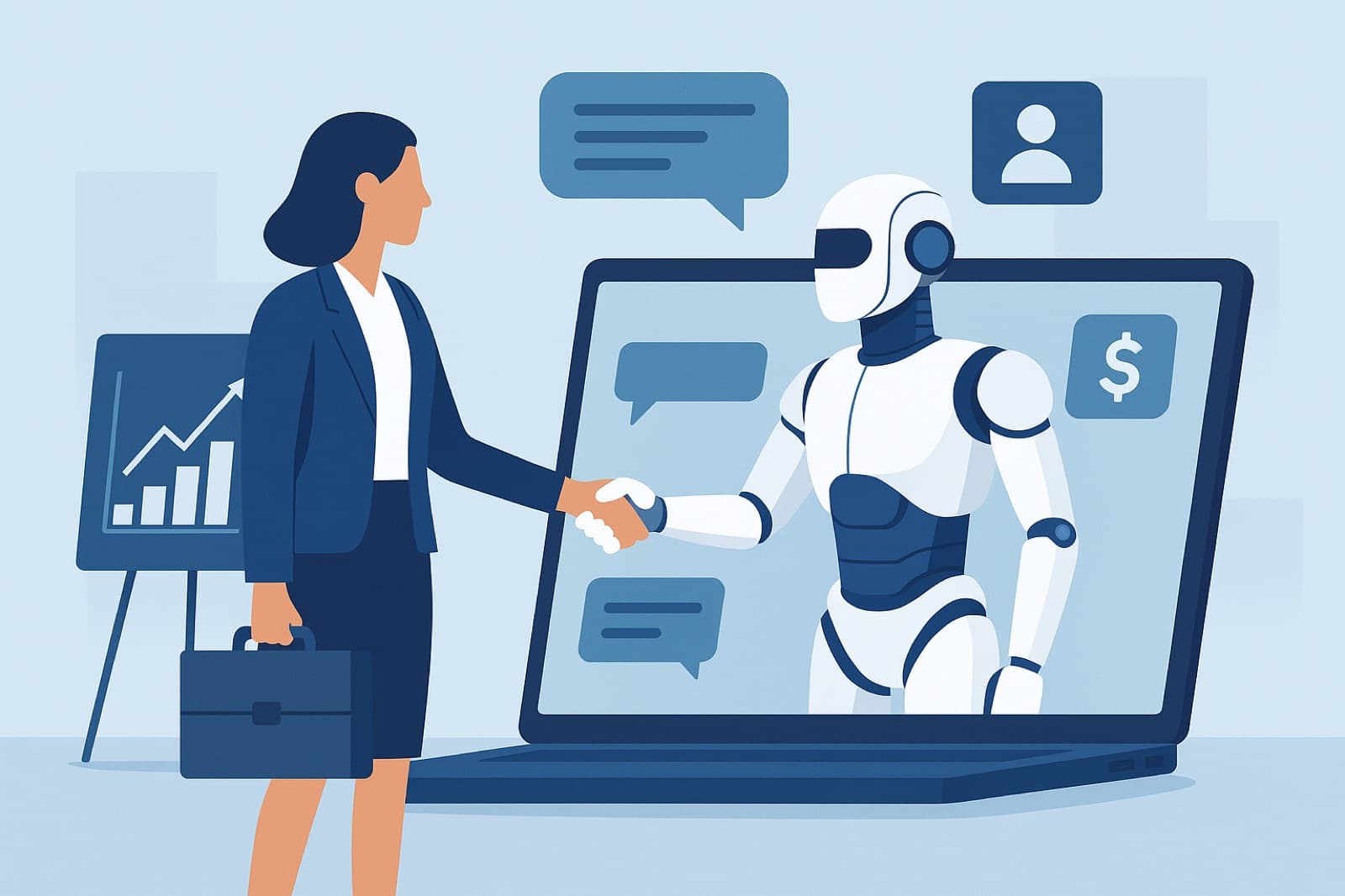
How to Use Artificial Intelligence Agents as Employees for Sales Teams
Updated May 2026. This guide explains how to use artificial intelligence agents as employees for sales teams, with a practical focus on the Google 2026 AI ecosystem that enables production-grade autonomous agents. Sales leaders, RevOps, sales enablement managers, CTOs, and technical decision-makers will find tactical steps, ROI frameworks, and implementation patterns for deploying agents that act like employees across qualification, outreach, scheduling, enrichment, and forecasting.
News & Context: Google 2026 advancements that enable agent-as-employee use cases
As of 2026, Google Cloud and the Gemini model family have matured into a platform designed for long-lived, tool-enabled agents suitable for enterprise sales workflows. Key platform capabilities relevant to using AI agents for sales include:
- Production-grade agent frameworks in Vertex AI that support tool invocation, stateful sessions, and secure connector plugins for CRMs and calendar systems (see Google Cloud Vertex AI docs).
- Higher-context, long-window models that retain conversation context across days and can reference CRM history during outreach.
- Retrieval-augmented generation (RAG) at scale with integrated vector stores and document connectors to surface contract clauses, product docs, and past interactions.
- Built-in guardrails, explainability, and audit logs tuned for compliance and enterprise governance.
- Secure enterprise connectors for OAuth-backed access to major CRMs, calendar providers, and internal data stores with role-based access controls.
These combined capabilities make it realistic in 2026 to deploy AI agents that work as employees for sales teams rather than just as assistants.
Top 5 use cases for AI agents as employees for sales teams
Below are five high-value, production-ready use cases showing how to use artificial intelligence agents as employees for sales teams, with examples and potential impact metrics.
1. Lead qualification (first-contact and disqualification)
Agent role: Screen inbound leads, ask qualification questions, and update CRM lead score and metadata.
- Example: An agent accepts a web-conversion webhook, runs a quick discovery script, verifies budget/timeline, and moves leads to MQL/SQL in your CRM.
- Impact metric: 40-60% reduction in time-to-qualification; 20-30% cost savings vs. SDR FTE for early screening.
2. Outreach personalization and cadence execution
Agent role: Generate personalized, multi-channel outreach (email, LinkedIn messages, SMS), A/B test subject lines, and log results.
- Example: Agent synthesizes prospect signals (company size, intent topics, previous downloads) and crafts a tailored 3-step outreach sequence.
- Impact metric: 15-40% increase in reply rates; automation reduces manual copy creation time by ~70%.
3. Meeting scheduling and follow-up
Agent role: Coordinate calendars, propose times, prepare pre-meeting briefs, record notes, and send tailored follow-ups with next steps.
- Example: After a qualification call, the agent schedules a product demo, auto-generates a CTA-aligned recap, and assigns follow-up tasks in CRM.
- Impact metric: 30-50% higher meeting show rates; cut scheduling friction by >80%.
4. Pipeline enrichment and account intelligence
Agent role: Continuously enrich contact and account records with firmographic, technographic, and intent signals, and flag churn or expansion risk.
- Example: Agent runs nightly enrichment jobs, adds missing phone numbers and buyer personas, and surfaces green/amber/red flags for reps.
- Impact metric: Improved forecast accuracy by 10-25% and reduced stale-opportunity rates.
5. Forecasting, insights, and prescriptive recommendations
Agent role: Synthesize CRM data, pipeline velocity, and external signals to generate rolling forecasts and suggested next actions for deals.
- Example: An agent identifies deals with slowed activity, recommends tailored plays (discount, product add-on, executive intro), and triggers playbooks.
- Impact metric: 5-15% uplift in win rate when prescriptive plays are executed consistently.
Step-by-step implementation: 6 steps to deploy AI agents as employees
Follow these six practical steps to implement AI agents that behave like employees for your sales organization.
Step 1 - Plan: define scope, goals, and success metrics
- Define agent personas and responsibilities (SDR-agent, Scheduler-agent, Enrichment-agent).
- Set KPIs: time-to-qualification, meeting set rate, reply rate, pipeline coverage, forecast error.
- Map data flows, sensitive fields, and compliance requirements (PII, PCI, GDPR).
Step 2 - Select models and APIs
Choose models and vendor APIs based on latency, context window, tool-use, and compliance. In the Google 2026 ecosystem, prefer agent-enabled model endpoints with:
- Long-context support for multi-turn memory
- Tool invocation APIs to call CRM, calendar, and enrichment services
- Audit logging and explainability traces
Recommended technical resources: Google Cloud Vertex AI documentation, model selection guides, and enterprise connectors.
Step 3 - Integrate with CRM and toolchain
Design secure connectors that follow least-privilege access. Typical integrations:
- CRM (HubSpot, Salesforce, Microsoft Dynamics) via OAuth and scoped API tokens
- Calendar providers (Google Calendar, Microsoft 365) with scheduling permissions
- Vector store and document connectors for product docs, contracts, and knowledge bases
Step 4 - Agent design and persona
Define prompt templates, allowed actions, escalation rules, and tone-of-voice. Example design points:
- Persona: "Embodied SDR - professional, concise, consultative"
- Allowed actions: create task, update CRM field, propose times, send templated emails
- Forbidden actions: negotiate pricing > threshold, change contracts, send legal commitments
Step 5 - Testing, training, and validation
Use staged environments with synthetic and anonymized real data. Test areas:
- Functional tests for connector calls and fallbacks
- Behavioral testing for tone, hallucination rate, and policy compliance
- Human-in-the-loop cycles to tune prompts and decision thresholds
Step 6 - Deploy, monitor, and iterate
Productionize with continuous monitoring and KPIs:
- Operational metrics: latency, error rates, API failures
- Business metrics: conversion rates, cost per qualified lead, forecast variance
- Safety metrics: hallucination incidents, policy violations, escalation counts
Sample prompt and payload patterns (conceptual, 2026-era Google agent APIs)
Below is a conceptual JSON payload pattern for instructing a Google-era agent to qualify a lead. Adjust to your vendor's exact API schema.
{
  "agent_id": "sdr-agent-v1",
  "session": {
    "conversation_id": "conv-12345",
    "context": [
      {"role":"system","content":"you're an SDR agent. Ask up to 5 qualification questions."},
      {"role":"user","content":"New web lead: Acme Corp, role: Head of Ops"}
    ],
    "memory": {"account_context":"Acme Corp: 500 employees, tech stack: AWS, uses Salesforce"}
  },
  "actions_allowed": ["create_crm_lead","update_lead_score","send_email","schedule_meeting"],
  "action_instructions": {
    "create_crm_lead": {"fields":["name","email","company","budget","timeline"]},
    "schedule_meeting": {"calendar":"sales_team_calendar","range":"next_7_days"}
  },
  "policy": {"max_negotiation":0,"require_escalation_for_budget_gt":50000}
}
Note: Replace with the exact fields required by your Google agent/Vertex AI tooling.
Comparison: AI agents vs human reps vs hybrid models
Choosing how to use artificial intelligence agents as employees for sales teams requires understanding trade-offs across cost, speed, quality, compliance, and escalation.
Cost
- AI agents: Lower marginal cost for high-volume, repeatable tasks (qualification, outreach).
- Humans: Higher FTE costs but better at complex negotiation and relationships.
- Hybrid: Most cost-effective when agents handle scale tasks and humans handle exceptions.
Speed
- AI agents: Near real-time for outreach, enrichment, and scheduling.
- Humans: Slower for repetitive tasks; better for creative touches.
Quality
- AI agents: Consistent execution, can follow optimized scripts; risk of hallucination if not properly grounded.
- Humans: Higher judgment ability for nuanced scenarios.
Compliance and auditability
- AI agents: Must be instrumented for logs, consent capture, and explainable decisions.
- Humans: Easier to attribute decisions; still require audit trails in CRM.
Escalation rules
Decision criteria to escalate to human:
- Deal size above predefined threshold
- Contractual/legal language required
- High-risk data access or red flags identified by agent
Recommended approach: Start hybrid - deploy AI agents for scale and define clear, automated escalation to human reps when complexity or risk rises.
Best practices, governance, and compliance
Implementing agents as employees requires solid governance and safety design.
Data privacy and access control
- Use field-level encryption for PII and least-privilege API tokens.
- Audit all read/write actions to CRM and calendar with immutable logs.
- Maintain consent records for communication (email/SMS/phone).
Hallucination mitigation and grounding
- Pair agents with RAG pipelines and authoritative document connectors.
- Reject or mark as "needs verification" responses when confidence is low.
- Use model provenance traces to show which documents produced an assertion.
Guardrails and policy enforcement
- Implement allowed/forbidden action lists and a policy engine that blocks risky outputs.
- Run simulated policy tests before production to surface edge cases.
Auditability and explainability
- Store agent decision traces: prompt, retrieved documents, chosen action, confidence scores.
- Provide human-readable justifications for every automated decision saved in CRM notes.
Handoff patterns
- Warm handoff: Agent drafts an email and notifies a rep to review before sending.
- Cold handoff: Agent marks the record for immediate human takeover and includes context summary.
ROI, case examples, and launch checklist
Below are ROI frameworks, a short hypothetical case study, FAQs, and a launch readiness checklist.
Expected ROI framework
Quick formula to estimate first-year ROI for qualification and outreach agents:
- Calculate current cost baseline: (Average SDR salary * number of SDRs) + outreach tool costs.
- Estimate automation scope: % of tasks agents will perform (e.g., 60% of qualification tasks).
- Forecast efficiency gains: increased outbound reply rate and time reclaimed per rep.
- Estimate direct revenue impact: additional qualified leads * conversion rate * average deal size.
- Include model & infra costs (tokens, API, connectors) and governance overhead.
Hypothetical case example
Company: B2B SaaS, 10 SDRs, ARR $8M
- Problem: SDRs spend 60% of time on qualification and scheduling.
- Agent deployment: Automate qualification and scheduling for inbound leads.
- Result (12 months): SDRs focus on high-value demos, conversion rate up 12%, time-to-demo cut in half, effective ROI: break-even in 6 months.
Launch readiness checklist
- Defined agent personas and KPIs
- Secure connectors to CRM and calendar with scoped permissions
- RAG pipeline and vector store in place for grounding
- Policy engine with allowed/forbidden actions
- Staged test environment and HIL review workflow
- Monitoring dashboards for operational, business, and safety metrics
Recommended technical resources
- Google Cloud Vertex AI documentation and agent frameworks
- CRM API docs (Salesforce, HubSpot, Microsoft Dynamics)
- Open-source vector stores and connector libraries
- Organization-specific security and legal compliance playbook
FAQs (schema-friendly)
Can AI agents replace human sales reps?
AI agents are best used to augment and scale repetitive, data-driven tasks. For complex negotiations and relationship-building, humans remain essential. Hybrid models deliver the best outcomes.
How do I prevent an agent from sharing sensitive information?
Enforce data access controls, field-level redaction, allow-lists for outputs, and policy checks that block disclosures. Audit logs and human review loops add layers of protection.
What metrics should I track first?
Start with lead-to-MQL conversion, meeting set rate, time-to-qualification, agent error rate, and forecast variance. Tie these to revenue to measure business impact.
Conclusion
In 2026, enterprises can reliably use artificial intelligence agents as employees for sales teams by combining Google’s agent-ready tooling with rigorous governance, secure integrations, and hybrid operating models. Start with high-volume, low-risk tasks (qualification, scheduling, enrichment), instrument for auditability and escalation, and iterate with human-in-the-loop feedback to scale impact.
Consider assessing which sales workflows at your company can be delegated to agents, run a small pilot, and use the ROI framework and checklist above to evaluate readiness. For implementation guidance and professional services for agent design and secure CRM integration, consider reaching out to atilab.io.